Understand a review
How to read one completed Angada review — verdict, findings, evidence, and follow-up.
This page walks through one completed Angada review in the order you'll meet it: the check on GitHub, the verdict, the findings and their evidence, what survives a push, and how to hand a finding to a coding agent.
1. The check run on GitHub
Every review starts as an Angada check run on the pull request. While the review runs, the check is pending; when it finishes, it resolves to the review's outcome. A check that says skipped means the trigger gate held the review back — a draft PR, a bot author, or a rolling cap. The check never blocks GitHub's own mergeability on its own; it's one signal beside your CI.
2. The verdict
Alongside the check, Angada publishes an overall verdict, such as clear or needs human. The verdict summarizes Angada's risk signals and findings. GitHub's review decision and your merge decision remain separate.
3. Findings and their evidence
Each finding is one issue with four parts:
- Severity — how much damage the issue could do.
- Confidence — how sure the review is that it's a real issue.
- Evidence — the exact file and line ranges the finding refers to, opened directly from the finding.
- The claim and fix instruction — what's wrong, and what to do about it.
Findings at or above your Workspace's severity floor (default: high) are posted as inline comments on the pull request. The tier just below is summarized, and anything lower is stored and visible in Angada's findings surface — filterable by severity — without landing on the PR.
An illustrative finding, with every field you'll see on a real one:
| Field | Example value |
|---|---|
| Title | Unbounded retry loop can pin a worker |
| Severity | High |
| Confidence | 0.82 |
| Evidence | services/queue/worker.go, lines 88–104 |
| Claim | The retry loop re-enqueues on every error without a backoff cap. |
| Fix instruction | Add an exponential backoff with a maximum attempt count. |
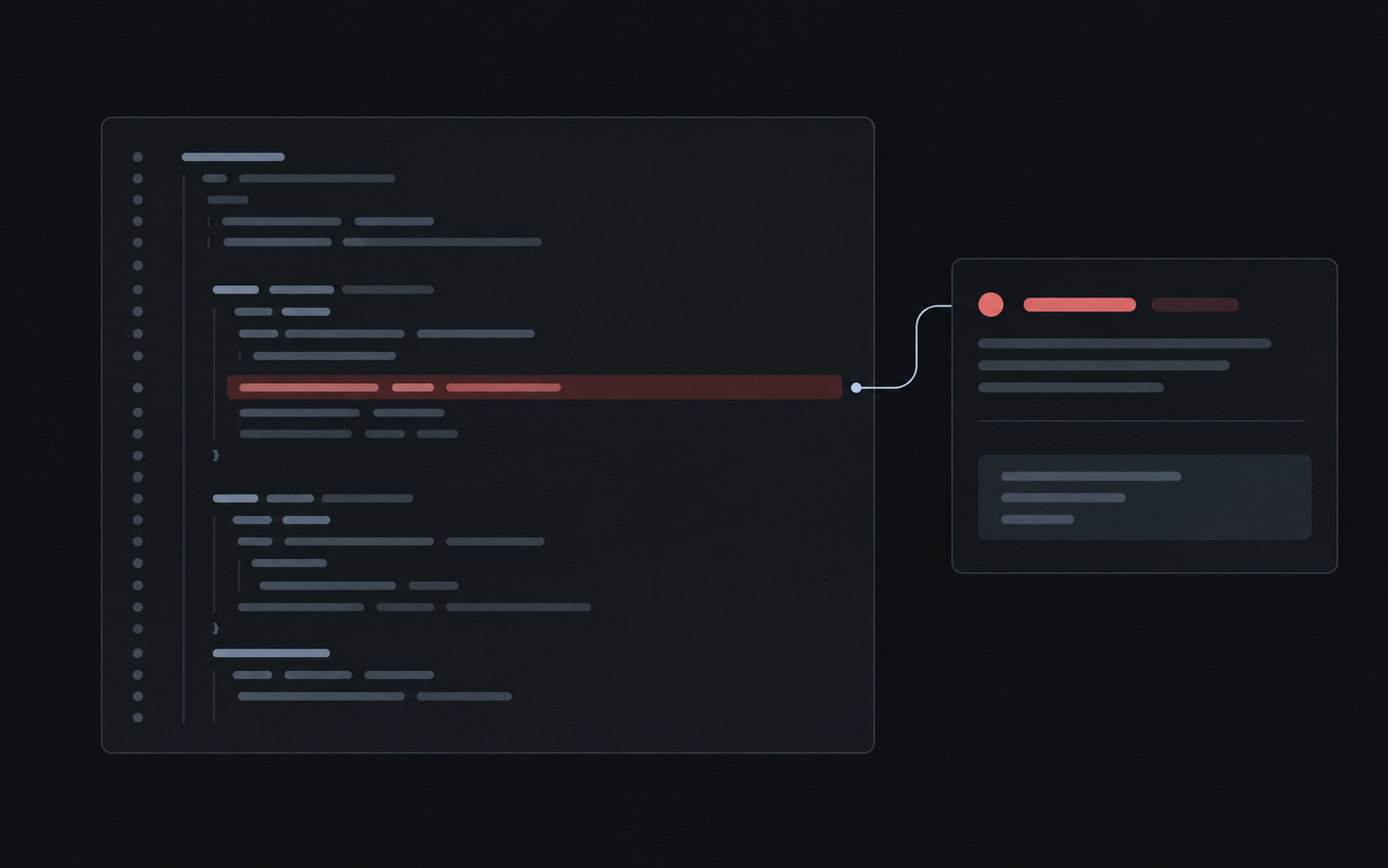
Findings surface with severity filters, including sub-floor findings that never touched GitHub.
4. What happens when the PR moves
Push new commits and a re-review runs at the new head. Findings are matched across pushes: an issue the review finds again keeps its identity, so a finding you dismissed stays dismissed and a resolved finding doesn't come back as new noise. Matching inline comments are edited in place — through renames and line shifts — rather than duplicated.
Each finding is anchored to the exact commit it was found on, so evidence stays accurate even as the PR moves.
5. Handing a finding to a coding agent
Review comments can include fix handoff links for coding agents — Cursor, Claude Code, and Codex. The handoff carries the finding's claim and evidence as a prompt for the agent.
A workspace admin chooses which badges appear on review comments in Settings → Review → Fix-with-agent badges, and an individual can select their own preferred agents for the reviews they personally receive — the Workspace choice is the default, not a mandate.
Handoffs prepare work for an agent; nothing is committed to the PR automatically.
Troubleshooting a review
- Check says skipped — check the trigger rules: drafts, bot authors, and rolling caps all skip reviews by design. An admin can trigger a review manually.
- A finding was wrong — dismiss it; the dismissal persists across pushes.
- No review after a push — pushes debounce for 90 seconds; a review within that window reviews the final head only.
- Too many reviews on one PR — the default is 3 reviews per pull request and 10 per Workspace in a rolling 24-hour window. See Limits and caps for the policy that applies to your Workspace.