Key features
What Angada's AI review does on every pull request.
Automatic review on every pull request
Angada reviews each pull request the moment it's opened. Push more commits and the review continues — Angada waits out a 90-second debounce so a burst of pushes becomes one pass, then reviews what changed. You never configure webhooks or CI steps for this; installing the GitHub App is the whole setup.
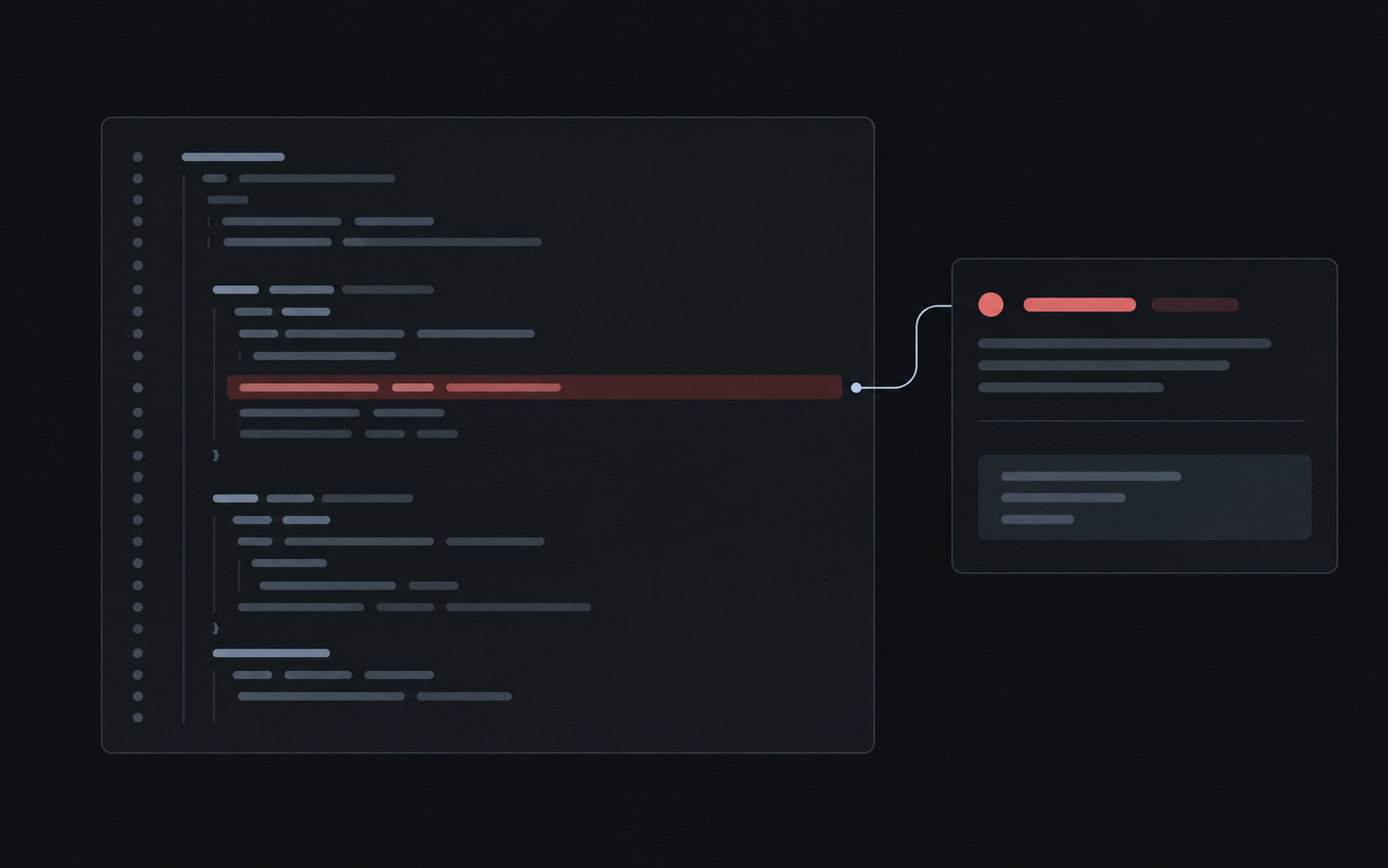
Open PR with an Angada review check and one inline finding comment visible.
A verdict on every PR
Each review ends in one of five states, posted straight to the PR's checks:
| Verdict | Meaning |
|---|---|
| Reviewing | The review is still running |
| Clear | Nothing at or above your severity floor was found |
| Needs human | Findings were posted for a person to weigh |
| Blocked | The review couldn't run — for example, the PR exceeded the 150-file ceiling |
| Skipped | The PR didn't qualify (draft, bot author, or a cap was hit) |
The verdict tells your team whether a PR is clear or needs a human pass.
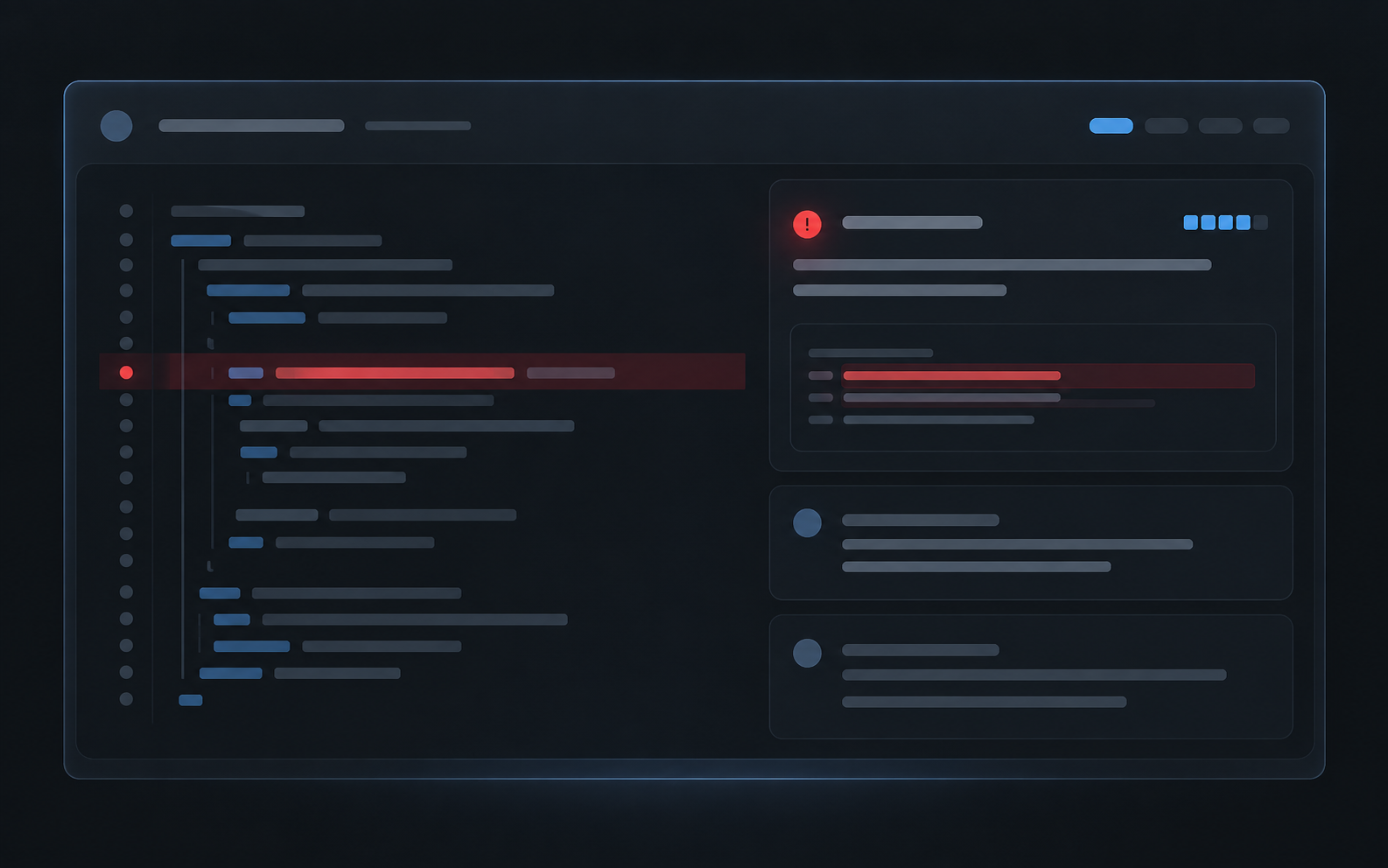
The Angada check in Reviewing, Clear, and Needs human states.
Findings with severity, confidence, and evidence
Every finding carries a severity (high, medium, or low), a confidence score, and the exact file and lines it concerns — quoted so you can judge it without leaving the comment. Findings at or above your Workspace's severity floor (default: high) land as inline comments; the tier below is summarized; lower still, they're stored in Angada without touching the PR. See Understand a review for the full anatomy.
One comment showing severity badge, confidence, evidence quote, and fix instruction.
Fix-with-agent handoff
When a finding needs code changes, each review comment carries a handoff badge for Cursor, Claude Code, or Codex. Click it and Angada copies a ready-to-paste prompt containing the finding and its evidence. The handoff does not commit to the pull request. See Fix with a coding agent.
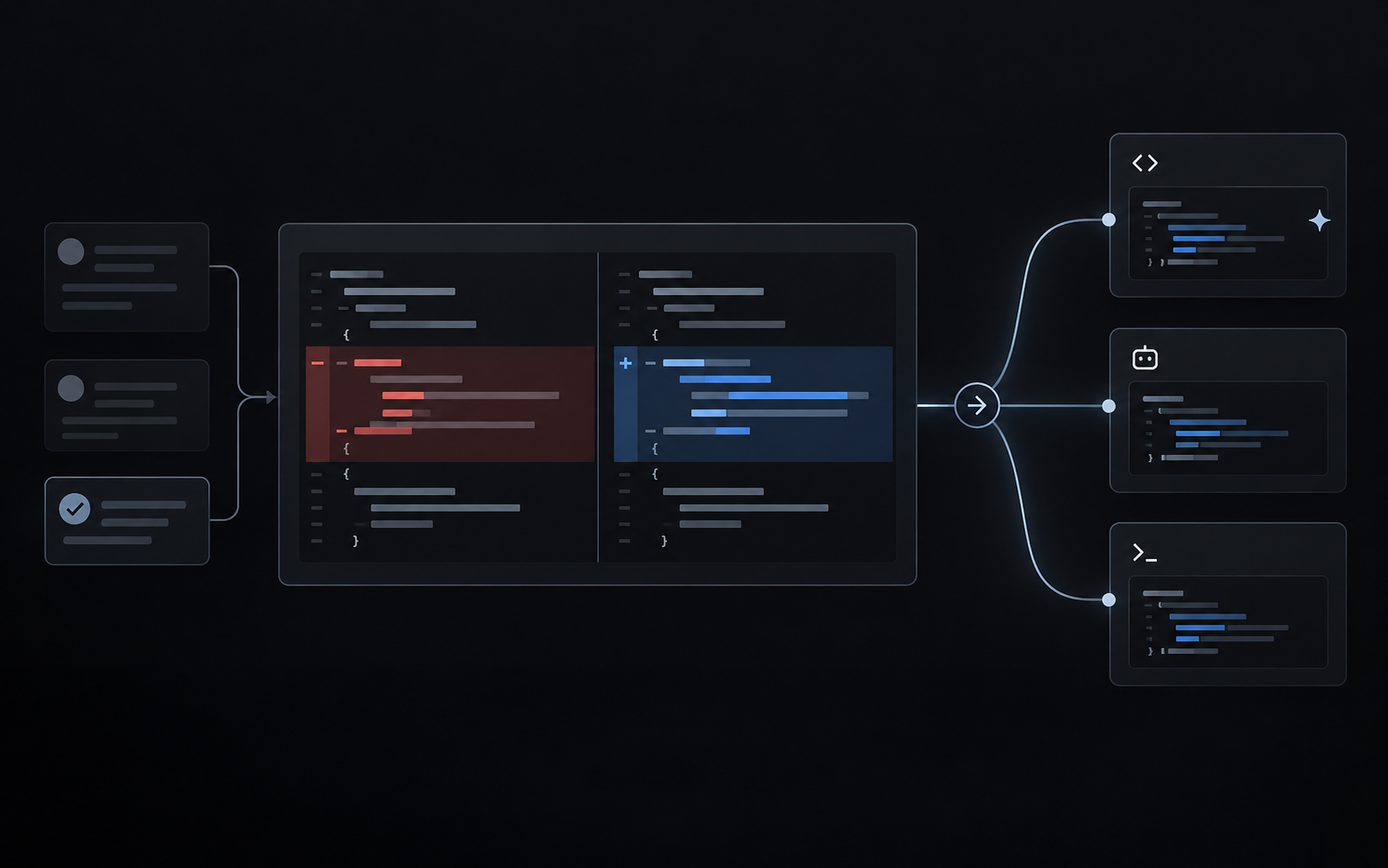
Short clip: click badge on a finding, paste prompt into the agent, agent opens a fix.
Draft-aware and bot-aware
Draft PRs are left alone until they're marked ready for review — no wasted reviews on work-in-progress. Pull requests from bots are skipped entirely. Both behaviors are defaults, and draft handling is configurable in Review settings.
Re-runs that respect your access rules
If a PR's head branch loses write access mid-flight, Angada re-runs the review rather than posting a stale verdict. A user with write access can request a manual re-run. It bypasses the 150-file automatic-review ceiling but remains subject to the rolling review caps.
The re-run action on an Angada review check.
Built-in limits that keep reviews predictable
Three reviews per PR and ten per Workspace in any rolling 24 hours, by default. Hitting a cap marks the PR skipped rather than queueing silently. Caps and the severity floor live in Review settings; the full rules are in Limits and caps.