AI Review introduction
What Angada's AI review runs, when it runs, and what it hands back to your team.
Angada's AI review reads the changed code on a pull request and posts findings — individual, evidence-linked issues with a severity, a confidence level, and the exact file and lines they came from. Each review also produces an overall verdict, so a reviewer can decide in seconds whether a diff looks clear or needs a careful human pass.
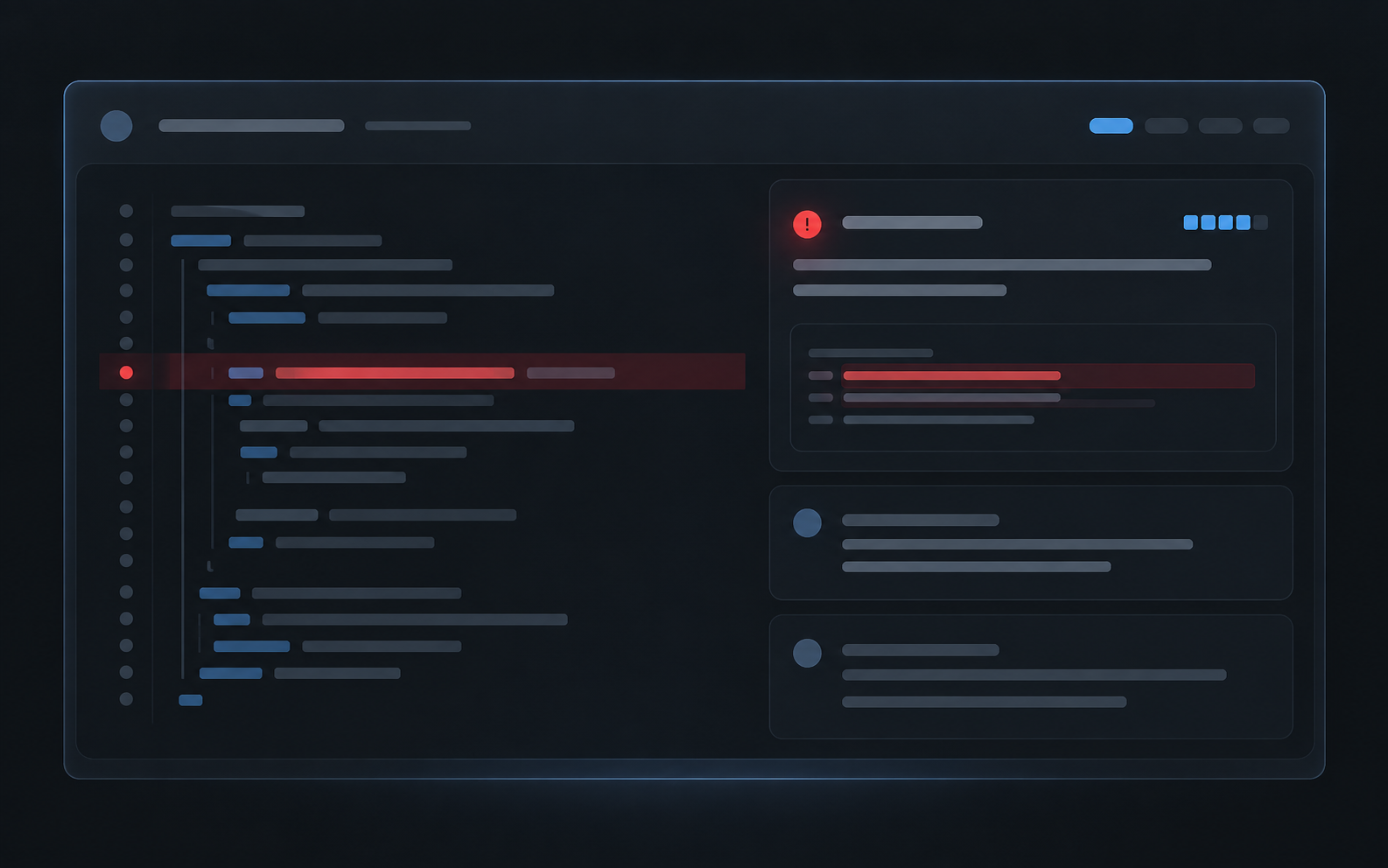
PR checks list showing the Angada review plus one inline finding comment.
An Angada review is one decision signal. GitHub's review decision, CI status, and your team's merge decision remain separate. See Key features for the full feature tour.
When a review runs
Reviews start automatically from GitHub activity:
- A pull request is opened.
- Its head moves — a new push reviews the latest state. Rapid pushes are debounced for 90 seconds, so a burst of commits reviews once at the final head instead of three times.
- A draft becomes ready for review.
- Someone with write access re-runs the Angada check from GitHub's own UI.
A workspace admin can also trigger a review manually from the Angada dashboard.
What a review gives you
- Findings — each one anchored to the head commit it was found on, with severity, confidence, and file-and-line evidence.
- An overall verdict — Angada's read of the PR, shown through the GitHub check and in the Angada dashboard. States include reviewing, clear, needs-human, blocked, and skipped.
- Evidence, not just claims — every finding links to the code it refers to, so a reviewer can verify it in one click.
The anatomy of a finding — what each field means and how to read a verdict — is in Understand a review. Findings you agree with can move to a fix through a one-click coding-agent handoff.
Findings at or above your Workspace's severity floor are posted as inline comments on the pull request. The tier below that is summarized, and lower-severity findings are still visible in Angada without polluting the PR. The default floor is high.
Built-in limits
Reviews are governed, not always-on:
- Draft PRs are skipped by default (configurable).
- At most 3 reviews per PR and 10 per Workspace in any rolling 24 hours.
- Automatic reviews are capped at 150 changed files; a manual re-run bypasses that cap.
- Dependabot, Renovate, and other bot-authored PRs are skipped unless a Review Seat explicitly covers the author.
Admins configure severity, draft handling, and coding-agent handoff badges in Settings → Review. The page also shows the review-cap policy that applies to the Workspace. Review settings covers the available controls; Limits and caps covers the cap rules.
Next steps
- Understand a review — read the check, verdict, and evidence on a completed review.
- Re-runs and continuity — see what changes after a push or manual re-run.
- Fix with a coding agent — hand a finding to Cursor, Claude Code, or Codex.
- Troubleshoot a review — recover from a skipped, blocked, or missing review.