Review settings
Severity floor, draft handling, caps, and agent badges — all in Settings → Review.
Where the settings live
Workspace admins configure AI review in Settings → Review. The page covers the severity floor, draft handling, the current review-cap policy, and Fix-with-agent badges. Personal preferences — like your default agent — live separately in Settings → My review settings, so an individual's choices never override the Workspace's.
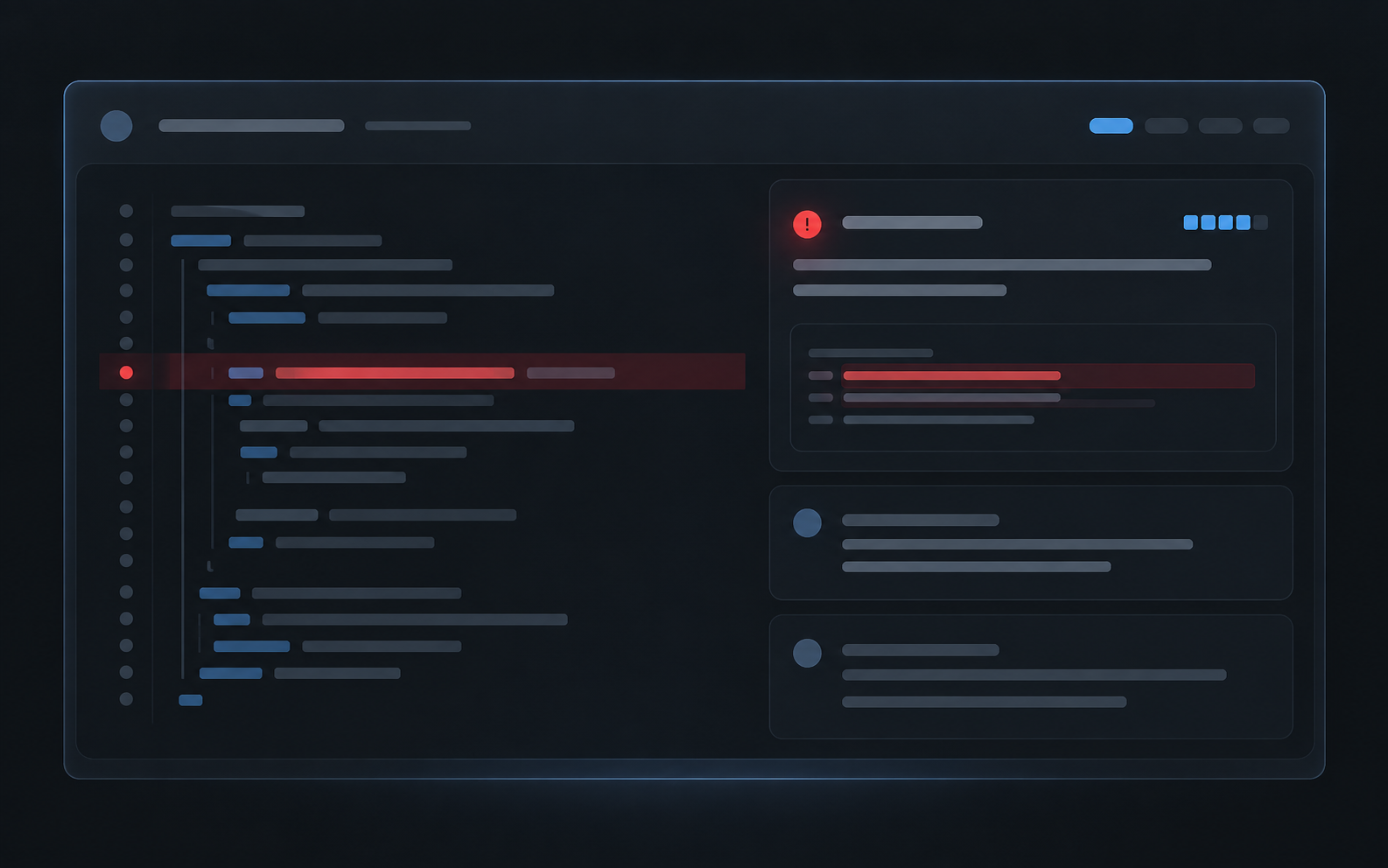
Settings → Review with severity floor, draft handling, caps, and badge sections visible.
Severity floor
The severity floor decides which findings reach the pull request. Angada scores every finding high, medium, or low; the default floor is high, so only high-severity findings post as inline comments. The tier just below the floor is summarized in the review, and lower findings are stored in Angada's findings surface without touching the PR.
Raise the floor for quieter reviews on a mature codebase; lower it for a new service that wants everything. See Understand a review for how the tiers behave.
Draft handling
Draft pull requests are skipped until they're marked ready. This default keeps reviews off work-in-progress, so a review never lands on a branch the author still considers private. If your team ships from drafts, draft-ready handling is also configurable here.
Review caps
Caps keep review volume predictable:
- 3 reviews per pull request, and
- 10 reviews per Workspace in any rolling 24-hour window.
A PR that hits a cap is marked skipped. Manual re-runs remain subject to those rolling caps, while a manual re-run can bypass the 150-file automatic-review ceiling. The full rules are in Limits and caps.
Fix-with-agent badges
Choose which agent badges appear on review comments — Cursor, Claude Code, Codex, or any combination. Members keep their own default agent for the reviews they receive; this setting only controls which badges exist. See Fix with a coding agent.