Fix with a coding agent
Turn a review finding into a fix in Cursor, Claude Code, or Codex.
What the badges do
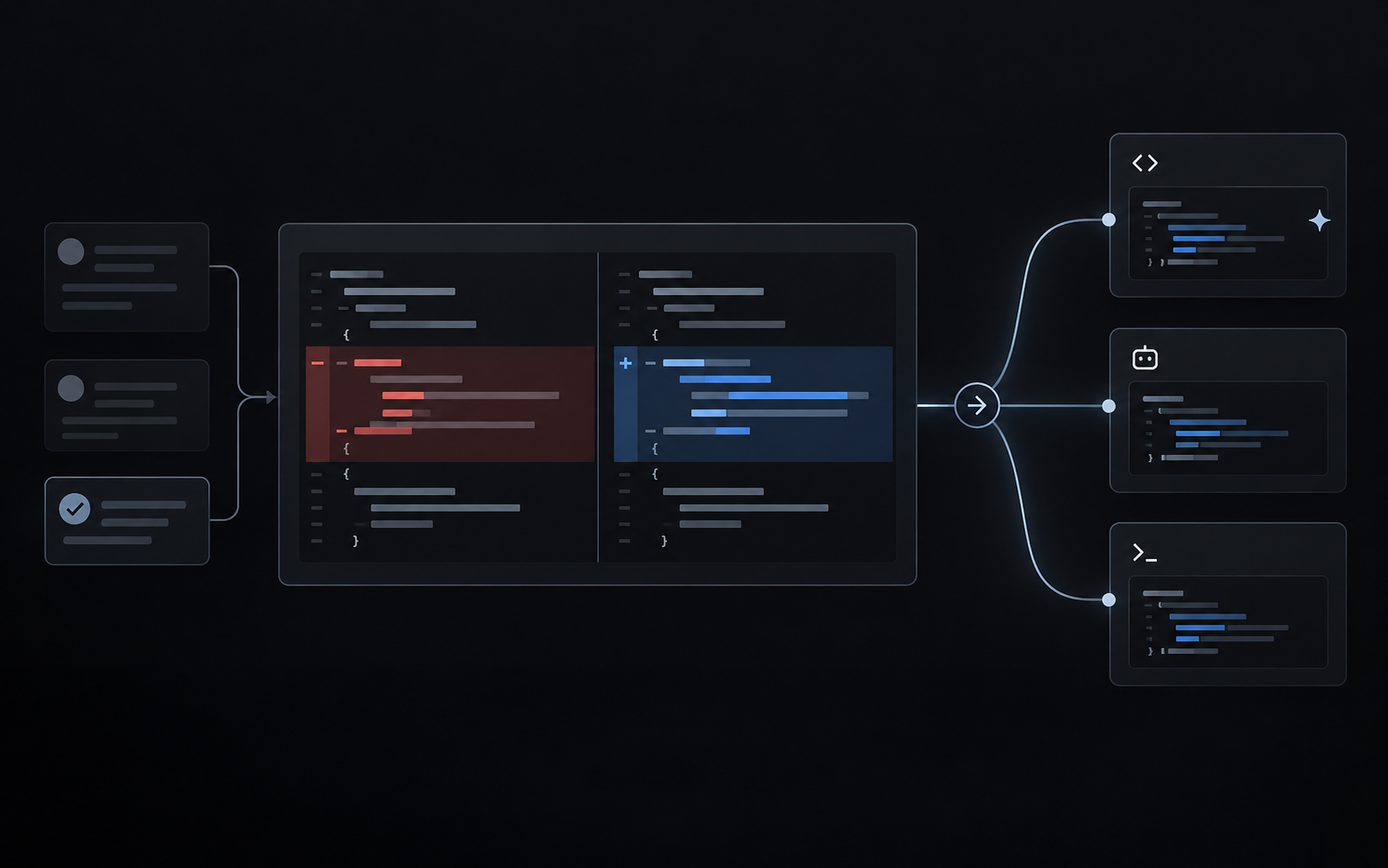
Every inline finding Angada posts carries a row of agent badges — Cursor, Claude Code, and Codex. Click one and Angada copies a handoff prompt to your clipboard: the finding, its severity, the evidence, and the fix instruction. Paste it into the agent and it starts on the fix with full context — no retyping, no lost thread between reviewer and fixer.
One finding comment with the Cursor, Claude Code, and Codex badges visible.
Why handoff, not autopilot
Angada does not write commits, open PRs, or push branches. The badge builds the prompt; your agent and your judgment do the rest. The fix lands through your normal workflow — you review the agent's diff exactly as you would any change.
Choosing your default agent
Which badges appear is a Workspace choice an admin makes in Settings → Review → Fix-with-agent badges. Individuals can go further and pick the agent that opens by default for reviews they receive — the Workspace setting is the default, not a mandate. Personal choices live in Settings → My review settings.
The badge toggles under Settings → Review, and the personal default picker under My review settings.
Working the loop
- Open the PR's Angada findings and read one you agree with.
- Click the badge for your agent — the prompt is copied.
- Paste it into the agent in your editor or terminal.
- The agent edits the code; you review its diff and commit it yourself.
- Push, and Angada reviews the new commit — a resolved finding disappears from the next pass.
End-to-end: click badge, paste in Cursor, commit, Angada re-reviews and posts Clear.
What the prompt contains
The handoff prompt is plain text, so it works in any tool that accepts a paste — including agents Angada doesn't badge. It carries the finding's title, severity, confidence, the quoted evidence with file and line, and the fix instruction. Nothing else — no repo credentials, no access tokens, nothing the comment itself doesn't already say.